Unlock 20% More Clicks: The Power of LinkedIn Ad Variants.
Guide: Tips for creating variants without higher costs.
If you’re a B2B marketer running LinkedIn ads, running one ad leaves the opportunity to maximize click-through rates on the table. According to LinkedIn, marketers who run five or more ad variants achieve a 20% higher click-through rate than those running a single ad (LinkedIn, July 2026).
Most B2B marketing teams simply don't have the time or design budget to produce five different concepts. So the question becomes: how do you get higher click-through rates? The twist is it's all about production.
This guide is all about giving you tips to save money during the design and production phase, so you can create a number of robust variants you can use across your various verticals and channels.
Start with a system, not a blank page.
Creating five bespoke variants from scratch for a designer can be a costly proposition, as the designer must conceptualize each one. There's the initial concept work, the brainstorming, the iterations, and then the actual production of the final concept. Instead, work with the designer to create a system.
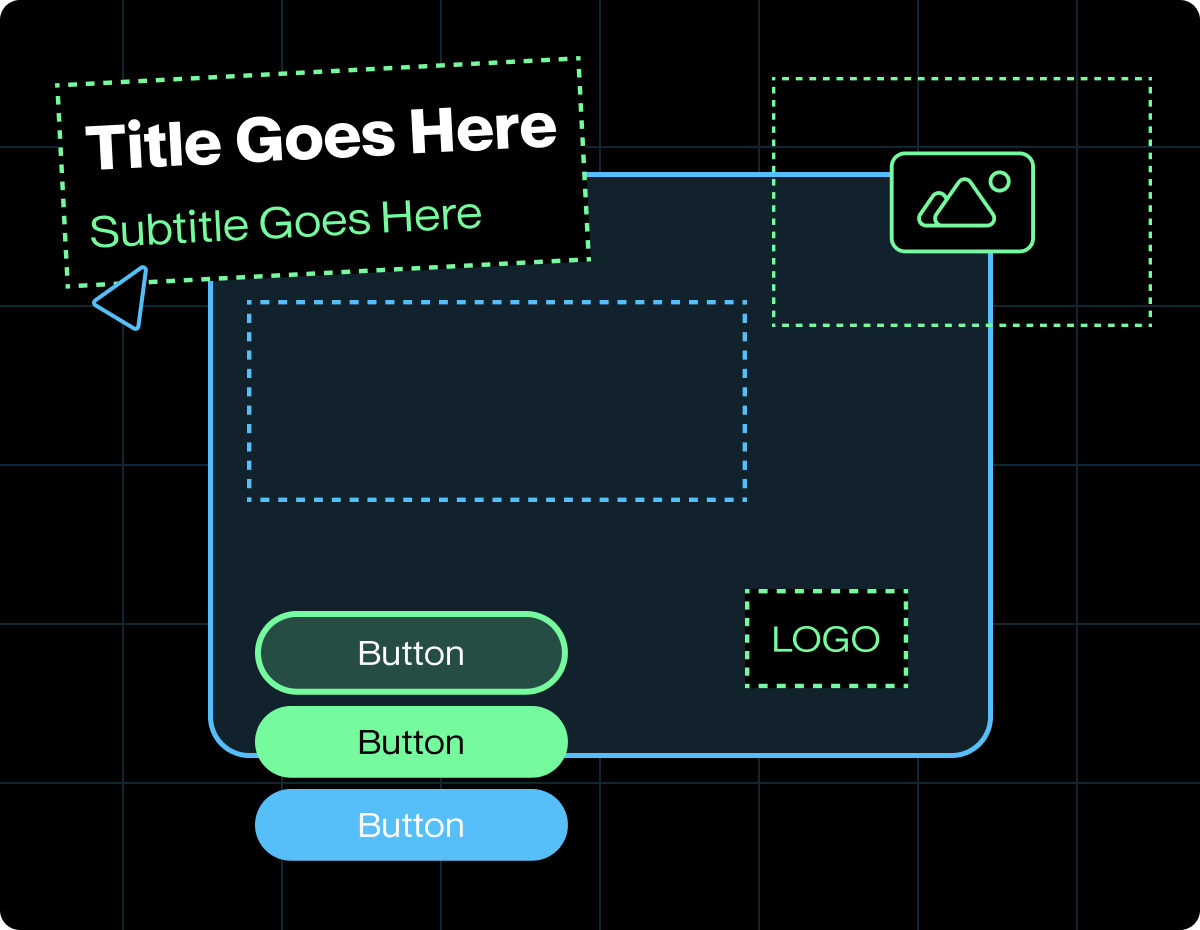
The system should be a solid branded ad base with swappable parts. The constituent parts of the ad are all placeholders, to be swapped in based on the audience and channel. The swappable parts can be as simple as color, content, shape, and image. It's about having something that is a quick "apply" rather than something that takes hours to redesign the layout to accommodate the new element. The difference between A and B could be just the headline, or it could be the headline and the color of the button. How far you want to take these variants is up to your testing strategy, but remember to change one element on each ad to see what actually grabs the audience.
How does a design system help save budget and time? It reduces design hours by using a formulaic, systems-based approach (the work gets done in one or two rounds). It saves time, as you'd expect, since the design team doesn't have to go through multiple concepts. The system approach also has the benefit of knowing which change led to the uplift in clicks.
Recommended swappables
As per the recommendation, the best way to test engagement is to change one element in each variant. Start with the easiest lift and work your way down to the more complex tasks.
The first three in the table above are easy to swap out and are by far the most cost-effective way to create different variants. A designer could do them in an hour or two. Changing the visual or layout, or adding animation, etc., will take considerably longer to produce and finish.
Example: one threat report, five ads
Say a cybersecurity company is putting out their annual threat report to the CISOs. The template is pretty much set: dark background, big headline at the top, report cover on the right, logo in bottom left. Here's how the five variations of that come out.
The example above shows how one can easily create five variant ads for a published report. One template, four text swaps, and one new image. That’s a half day of design, not five separate briefs.
Production tips that keep costs down
- Design the template first. Lock the grid, type sizes, colors, and logo spot using previously approved content or new content. Every hour you save here saves several later. Try to work with the longest content to ensure proper layout spacing and effective use of real estate.
- Write all the copy before design even starts. Get all the headlines, proof points, and CTAs into one document. Get the words approved first, then hand it off. Any changes to the copy halfway through the design process add to the total cost.
- Build in one file. Keep all the variations as artboards in a single Figma/Illustrator/Canva file. A logo or color change then updates everywhere at the same time.
- Pick one size to start with. Build at 1200 x 1200 px (1:1) first, as that one works in the feed on both desktop and mobile. Add on the other sizes only for the winners. A key tactic in reducing cost.
- Batch your review. Send all variants as a presentation. Book a call to collaborate and discuss global changes.
- Use AI copy generation tools as a starting point. Use AI to take your existing ads and generate new headline and intro text. Treat them as a first draft and edit them before your next launch so the message still reads as your brand.
Read the results, then build round two.
Give the test enough time and spend before you call a winner. Small B2B audiences take longer to produce clear signals, so don't call a variant after a day or two.
- Look past CTR. A clickbait headline can win on clicks and lose on leads. You need to look at cost per lead and lead quality as well.
- Keep the winner as your new base. Round two starts from there and tests the next variant.
- Retire the non-performers quickly. Pause the bottom two and replace them with new variants derived from what you've learned.
- Refresh before fatigue. When a winner's CTR starts to slip, swap in a new headline or visual on the same template.
Each round gets cheaper as the template and the winning message get carried forward.
Quick checklist
- ☐ One message per campaign, written down in a sentence
- ☐ Template locked: grid, type, colors, logo
- ☐ All copy written and approved before design
- ☐ Five variants, each changing one element
- ☐ All variants built in one file, reviewed in one round
- ☐ Success metric picked before launch (CTR, cost per lead or lead quality)
- ☐ Winner becomes the base for round two
Need a hand?
DC&Co design studio designs LinkedIn ad systems for marketing teams in cybersecurity, fintech, healthtech, and technology. We build the template once, then turn new variants fast every round. Get in touch to talk about your next campaign.
Sources
- From Blank Page to High-Performing Ad: Introducing LinkedIn’s New Creative Tools, LinkedIn Marketing Blog, July 1, 2026

Jason Drury is the Founder and Chief Creative of DC&Co, a design studio that partners with tech startups, cybersecurity firms, and healthtech companies on branding, digital experiences, and marketing design. With over 25 years in the creative industry, he has led brand work for companies including Demandware and Progress Software and has run his own studio for over a decade before founding DC&Co in 2018. His work spans brand identity, motion design, web design, and print, with a focus on bold, strategic visual solutions for technology-driven brands. Jay is based in Bedford, New Hampshire.
Resources
All Posts


We're a design studio founded on passion, focus, and service.
Address
264 South River Road
STE 502
Bedford, NH 03110
Project Inquiries
Careers


